
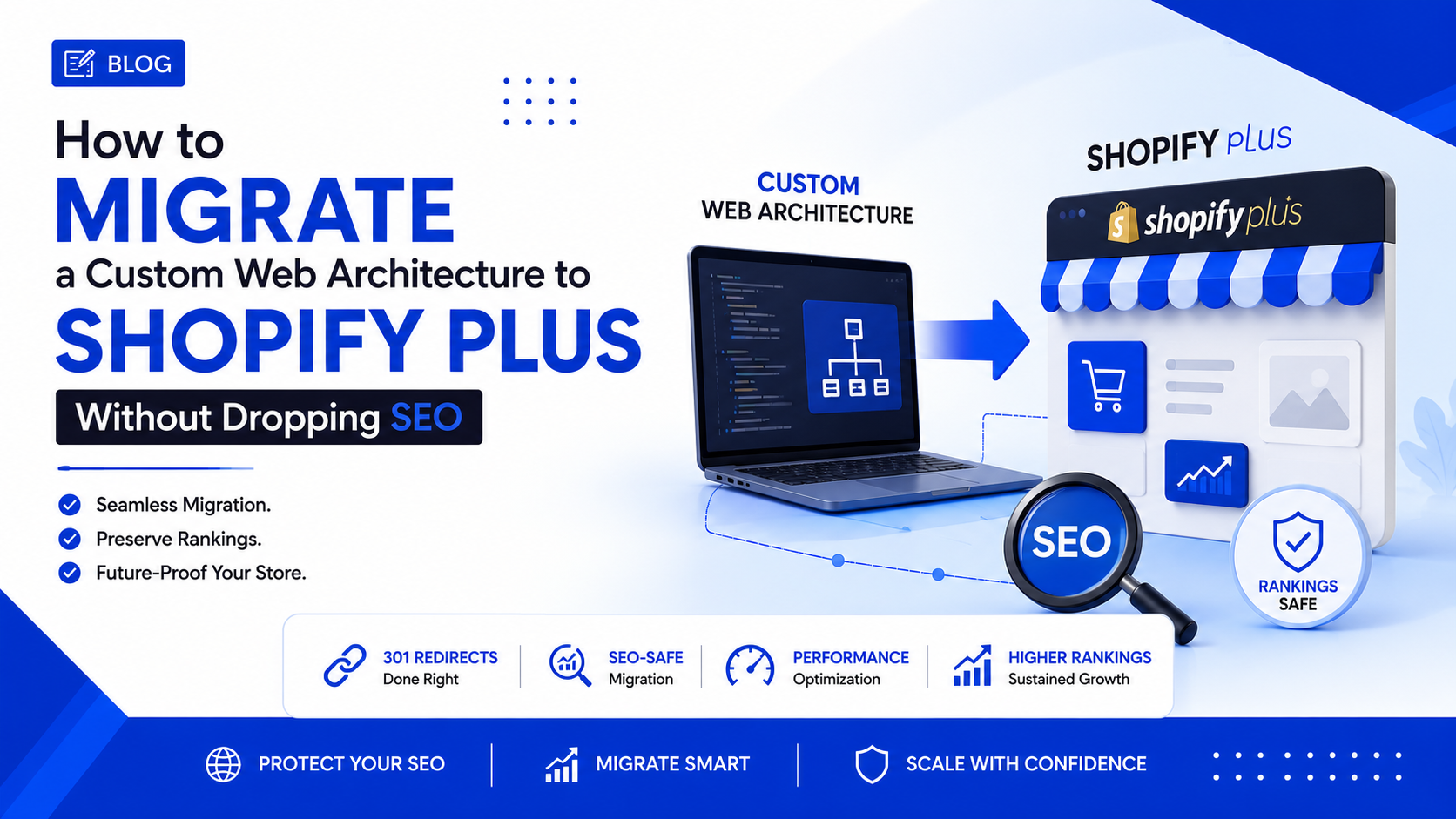
Shopify Plus Migration SEO: 7 Proven Steps to Prevent Traffic Loss
The Enterprise Framework to Retain Rankings, Traffic, and Revenue During a Platform Move

When scaling an enterprise ecommerce brand, mastering Shopify Plus migration SEO is the most critical factor in protecting your revenue. Moving a custom-built web architecture to a new platform solves security bottlenecks and reduces server costs, but if executed poorly, it can trigger a catastrophic drop in organic traffic.
When you move away from a legacy codebase, URL structures inevitably change, rendering methods shift, and your internal linking map is entirely rewritten. To Google’s crawlers, your website looks entirely new. Without a bulletproof Shopify Plus migration SEO strategy, years of domain authority can evaporate overnight.
Here is the exact technical blueprint we use at Creativephy to transition enterprise brands safely while safeguarding their organic performance.
1. The Pre-Launch Shopify Plus Migration SEO Audit
Do not touch a single line of code until you have mapped your existing domain architecture. The biggest mistake developers make during a custom architecture move is assuming Shopify’s default URL structure will naturally align with the old site. A successful Shopify Plus migration SEO campaign requires meticulous planning.
- Crawl the Legacy Site: Use enterprise tools like Screaming Frog to scrape every indexable URL on your custom platform before the move.
- Identify Revenue-Driving Pages: Cross-reference your crawl data with Google Analytics. Identify the top 20% of pages driving 80% of your organic traffic.
- Preserve Hreflang Tags: If you are operating internationally, ensure your multi-region setup maps flawlessly to the Shopify Plus enterprise native Markets feature.
2. Engineering the Perfect 301 Redirect Strategy
Because Shopify enforces a strict URL subdirectory structure (e.g., all products must sit behind /products/), your custom URLs will fundamentally change. Mapping these correctly is the lifeline of your Shopify Plus migration SEO implementation.
The 1-to-1 Mapping Rule
Never rely on wildcard redirects that send all broken pages to the homepage. This results in massive soft-404 errors. According to Google Search Central's official site move guidelines, every legacy URL must be mapped 1-to-1 to its exact equivalent.
Example:
Legacy: www.brand.com/apparel/summer-shirts/
Shopify: www.brand.com/collections/summer-shirts/
You can read more about how our agency handles these complex backend structures on our custom development services page.
3. Replicating Custom Data with Metaobjects & Liquid
Custom architectures often contain bespoke content fields (like unique sizing charts, ingredient lists, or author bios) that don't fit into a standard ecommerce template. Losing this content means losing long-tail keyword rankings, which is a common failure point in Shopify Plus migration SEO projects.
To retain this SEO value, leverage Shopify Metafields and Metaobjects. This allows your development team to inject custom schema markup and rich content directly into the Liquid template, ensuring Google crawls the exact same text depth as your legacy site.
4. Core Web Vitals and Liquid Optimization
Google heavily weighs page speed (Core Web Vitals) in its ranking algorithm. Moving from a lightweight headless custom build to a poorly optimized Shopify theme can cause latency issues. To master Shopify Plus migration SEO, the new site must be lightning fast.
- Lazy Loading: Defer off-screen images and heavy scripts.
- App Consolidation: Do not install 20 different Shopify apps. Hardcode features into the theme whenever possible to reduce external JavaScript calls.
- Image Optimization: Utilize WebP formats automatically handled by Shopify's CDN, ensuring your largest content blocks load instantly.
5. Post-Launch: The Critical 72-Hour Window
The moment you update the DNS and point your domain to the new platform, the clock starts. The first 72 hours are critical for your Shopify Plus migration SEO success.
- Submit the New Sitemap: Immediately submit your new
sitemap.xmlto Google Search Console to force a re-crawl. - Monitor 404 Errors Live: Use premium SEO tools to run a live crawl on the production site the minute it goes live to catch missed redirects.
- Check Index Coverage: Watch GSC for sudden drops in indexed pages or spikes in "Page with redirect" errors.
Final Thoughts: Don't Risk Your Revenue
Migrating a custom web architecture to a new platform is not just a development task; it is a high-stakes revenue protection operation. Treating Shopify Plus migration SEO as an afterthought guarantees a loss in market share to competitors who planned properly.
At Creativephy, our custom development and high-ticket marketing teams work in tandem to ensure that when your brand makes the leap, your traffic scales upward, not downward. If you are preparing for an enterprise migration, secure your technical foundation first.