
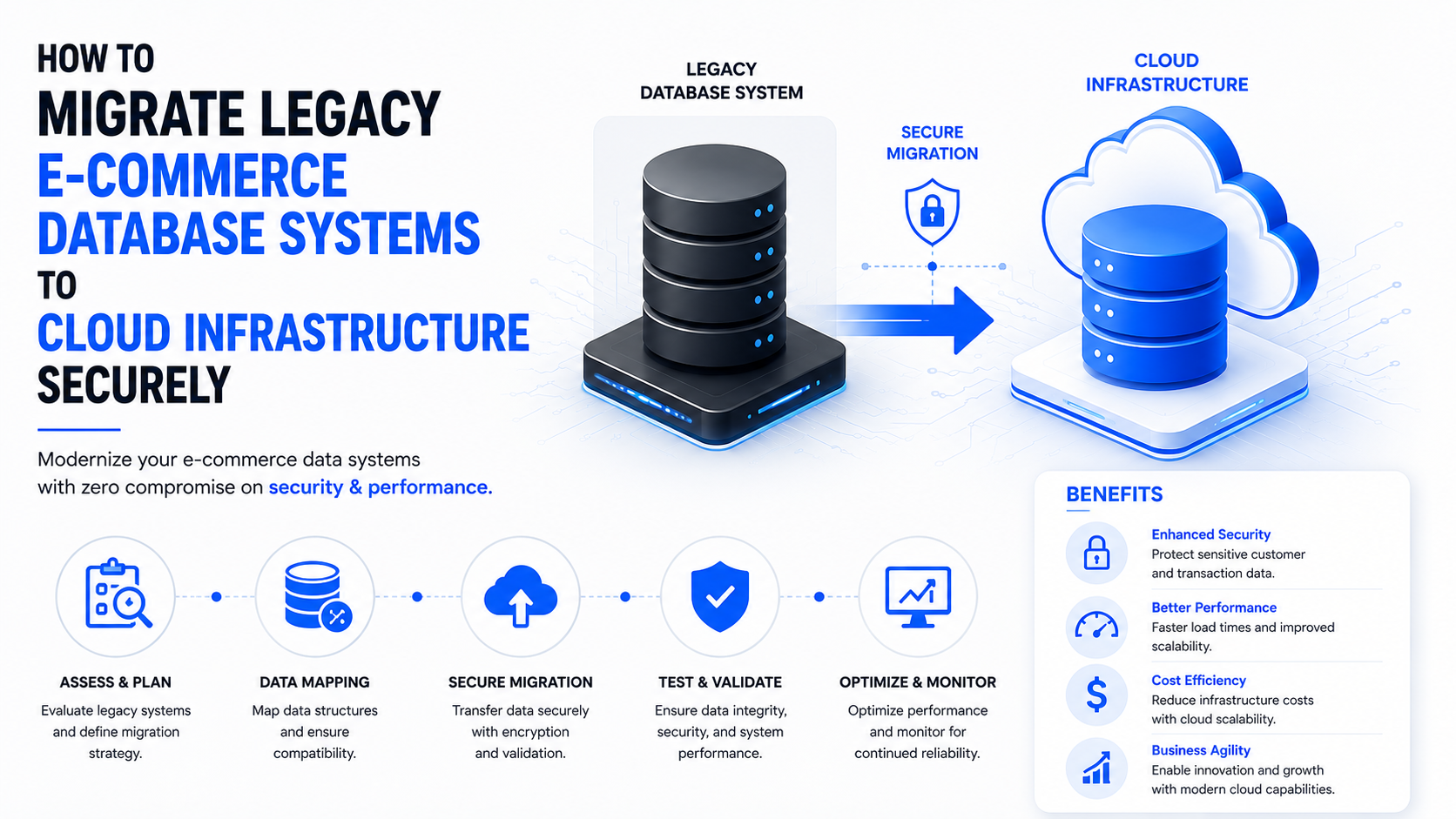
Legacy Ecommerce Database Cloud Migration: 5 Secure Steps to Scale
A masterclass blueprint for enterprise CTOs on transitioning fragile, on-premise databases to secure, auto-scaling cloud infrastructure.
Executing a secure legacy ecommerce database cloud migration is the most critical infrastructure upgrade a scaling enterprise can undertake. In 2026, relying on physical, on-premise servers is no longer a technical inconvenience—it is a massive corporate liability.
A Real-World Crisis: Imagine a rapidly growing D2C fashion retailer generating $10 million annually. They ran their entire catalog, user data, and order processing on a monolithic on-premise MySQL database. During a major flash sale, their marketing team successfully drove 50,000 concurrent users to the site. The result? The physical database hit its CPU ceiling, causing table locks and eventual corruption.
At Creativephy, we don't just run ads; we architect the robust, high-ticket digital foundations that sustain massive revenue growth. This guide breaks down the exact 5 technical steps to execute a legacy ecommerce database cloud migration smoothly and securely.
Step 1: Assessing the High Cost of Delaying Cloud Migration
Why undergo the complex process of a legacy ecommerce database cloud migration? Because the hidden costs of maintaining on-premise systems aggressively eat into your profit margins and stifle your scalability.
The Scalability Wall
Legacy databases scale "vertically." If you need more power, you have to physically buy a bigger server. Cloud databases scale "horizontally." During a sudden spike in traffic, cloud infrastructure automatically spins up read-replicas to distribute the load.

Step 2: Choosing the Right Migration Strategy (The 3 R's)
A successful legacy ecommerce database cloud migration requires choosing the right strategic path.
- Rehosting: Simply move your database to a cloud server without changing architecture.
- Replatforming: Move to a managed service like AWS RDS or Google Cloud SQL.
- Rearchitecting: Break monolithic structures into microservices using NoSQL or cloud-native solutions.
Step 3: Executing a Zero-Downtime Replication
For an e-commerce store, taking the site offline is unacceptable. You must execute a zero-downtime migration.
Use Change Data Capture (CDC). It constantly monitors your live legacy database and instantly replicates any new orders, user signups, or inventory changes to the cloud database in real-time.
Step 4: Ensuring Unbreakable Security & Compliance
Data must be encrypted both in transit (TLS 1.3) and at rest (AES-256). Your database should never have a public IP and must be deployed within a highly restricted Virtual Private Cloud (VPC) in private subnets.
Step 5: The Final Cutover and Post-Migration Scaling
Choose your lowest traffic period for the final cutover. Update your application's DNS and connection strings to point exclusively to the new cloud database and monitor query execution times immediately using cloud-native tools.
Scale Your Architecture Without the Risk
At Creativephy, we engineer high-performance, secure digital transformations. Let our elite team audit your legacy systems today.
REQUEST A SECURE MIGRATION AUDIT