
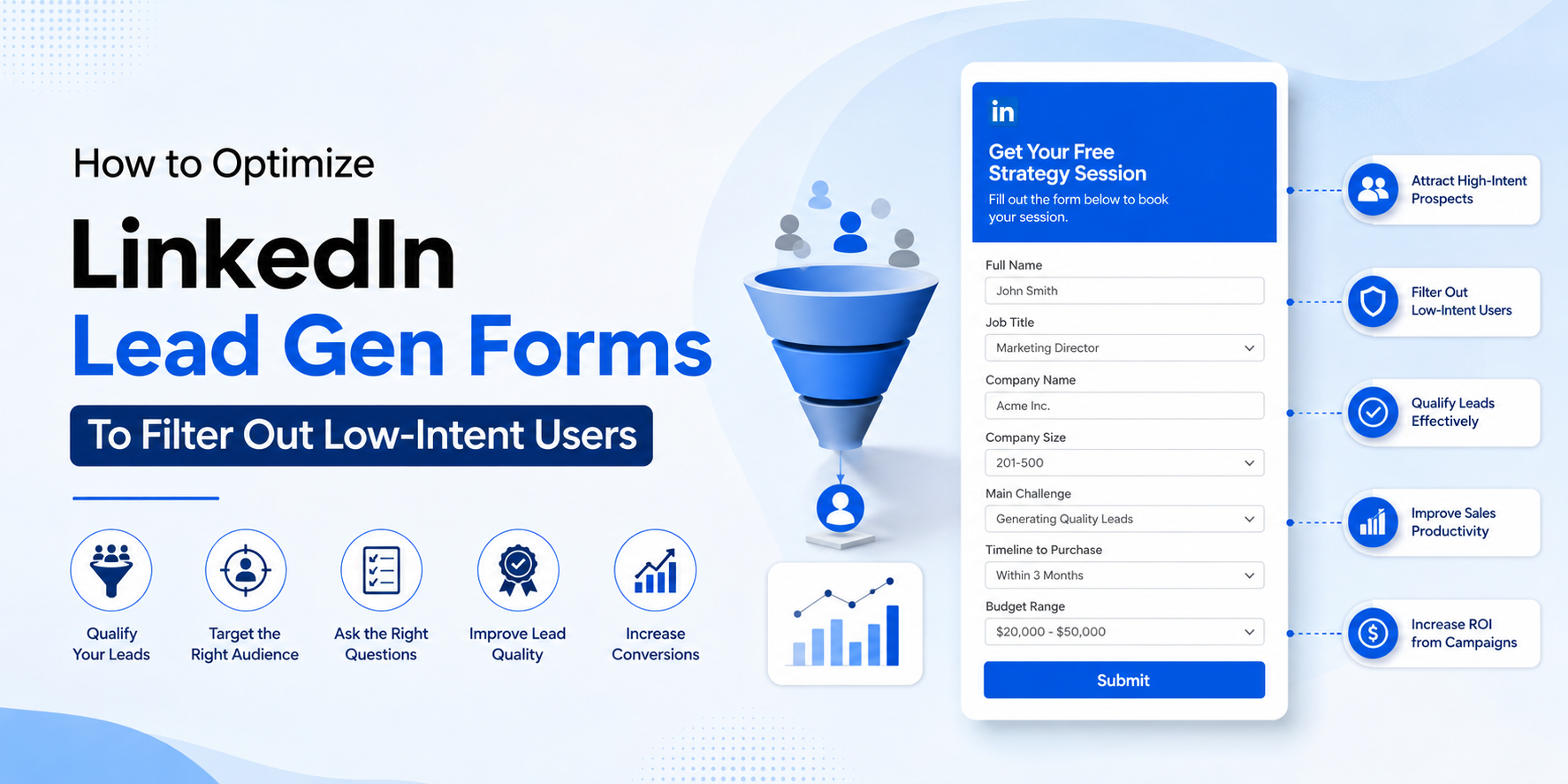
Optimize LinkedIn Lead Gen Forms: Ultimate Masterclass Guide
Every B2B marketer enjoys seeing hundreds of new leads flowing effortlessly into their CRM—until the sales team starts asking the same frustrating question: "Why are these leads not converting?"
If you're running professional campaigns, your performance metrics might look impressive on paper, but only a tiny percentage of those contacts actually respond to outbound discovery calls. To fix this gap, you must learn how to optimize LinkedIn Lead Gen Forms to filter in genuine, high-intent buyers rather than casual internet browsers.
Why You Must Optimize LinkedIn Lead Gen Forms to Maximize ROI
One of the biggest misconceptions in modern B2B growth marketing is believing that lower layout friction automatically yields elite campaign performance. While short text fields increase submission speed, they hurt downstream revenue metrics by making it way too simple for unqualified scroll traffic to pass through your filter templates.
For high-ticket companies targeting decision-makers across SaaS, enterprise cloud computing, fintech, and complex healthcare verticals, pipeline precision beats volume metrics every single day. If you don't strategically optimize LinkedIn Lead Gen Forms, your outbound sales development representatives will waste endless billable hours chasing wrong numbers and blank fields.
Let's look at the true metrics of revenue success by comparing two distinct campaign archetypes:
| Metrics | Campaign A (Low Friction Approach) | Campaign B (Form Optimized Setup) |
|---|---|---|
| Total Lead Volume | 800 Leads | 220 Leads |
| Cost Per Lead (CPL) | $18 CPL | $42 CPL |
| Converted Customers | 3 Customers | 28 Customers |
Experienced growth marketers will instantly choose Campaign B. Because when you optimize LinkedIn Lead Gen Forms for high-intent buyers, you lower your real pipeline customer acquisition cost. For more foundational setup mechanics, reference the engineering data at the Official LinkedIn Developer Hub portal guidelines.
Why Native Mobile Layouts Attract Low-Intent Traffic
LinkedIn designed its native system to bypass data entry bottlenecks. When a profile click lands on your campaign asset, the system auto-fills name, title, business phone, and geo-location metrics in milliseconds. Because it's frictionless, users click accidentally while browsing. This is exactly why you need to aggressively optimize LinkedIn Lead Gen Forms using custom informational barriers.
Defining a High-Intent B2B Prospect
A highly qualified prospect matches your Ideal Customer Profile (ICP), controls real department budget thresholds, and demonstrates clear structural buying intent instead of top-of-funnel information gathering.
Step-by-Step Blueprint to Optimize LinkedIn Lead Gen Forms
1. Narrow Your Front-End Target Audiences
Filter low-intent users before they ever view your landing formats. Match your audience selection directly to specific structural parameters such as verified job seniority and specific company size criteria.
2. Inject Custom Questions to Optimize LinkedIn Lead Gen Forms
To successfully optimize LinkedIn Lead Gen Forms, introduce 2-3 custom question fields that force non-automated cognitive interaction. This small friction step automatically stops casual scroll clicks:
- Implementation Timeline: Use dropdown gates like "Immediate Action Required" vs. "Just Researching".
- Core Operational Bottle-neck: Force the user to state their primary structural business challenge.
- Current Enterprise Tool Stack: Learn what competitive software systems they currently run.
3. Switch to High-Intent Calls to Action (CTAs)
Generic verbs like "Download" attract information seekers. Instead, update your form layout button with commercial intent markers: "Request My Custom Product Demo", "Schedule My Strategic Growth Audit", or "Request Account Volume Pricing".
4. Gate Bottom-of-Funnel Conversion Assets Only
Swap simple asset downloads like checklists for analytical framework tools such as ROI tools, full performance audits, or pilot setup blueprints to guarantee only serious accounts pass through your form barriers.
How to Route and Grade Your Filtered Conversion Data
Once you optimize LinkedIn Lead Gen Forms, connect your submission webhooks instantly to internal CRM automation infrastructure like HubSpot or Salesforce. For an explicit walkthrough on cross-platform data processing architecture, check out our core Creativephy Performance Marketing Services portal framework, where we deep-dive into standard lead capture setups.
Deploy a direct lead scoring program to process data automatically:
- +25 Points: Target account matches executive corporate seniority metrics.
- +20 Points: Organization size sits perfectly in the 200+ seat enterprise tier.
- -20 Points: Profile markers indicate user is a Student or Solo Freelancer.
The Checklist: Optimize LinkedIn Lead Gen Forms with Precision
- Targeting rules are mapped directly to ideal high-value customer criteria.
- Form layouts hold a maximum of 5 to 7 total criteria fields.
- Custom drops are explicitly built to assess timeline and workflow bottlenecks.
- All button text uses action-oriented commercial language.
- Internal hyperlinking structures are active to distribute crawler authority smoothly.
Conclusion
When you optimize LinkedIn Lead Gen Forms using targeted friction gates, you move past low-intent vanity volume and start scaling true business profitability. Align your form structure with your sales team's criteria, and watch your marketing conversion values reach new record levels.